Opening the Doors: Serving the House of Knowledge over Cloudflare Tunnel
Part 3 of the House of Knowledge series. Part 1 covers the RAG system itself. Part 2 covers the Bedrock Converse API.
The last post ended with the app running locally. Streamlit on a NUC in the home office, serving campaign lore reliably to anyone on my wifi. The problem is that D&D doesn’t happen on my wifi. It usually happens at someone else’s place. The point of building this thing was to have it at the table.
So it needed to be reachable from a phone, over someone else’s network, without requiring anything to be installed on that phone first. This post is about how I solved that.
What I considered
The constraints were simple enough: it had to work in a normal browser, it had to be free, and I wanted something reusable rather than a one-off fix that only serves Streamlit.
Port forwarding was the first thing I looked at. It works, but BT routers make it more painful than it needs to be, and you’d still need a DDNS service to get a stable domain on a dynamic IP. Annoying enough that I kept looking.
Tailscale is genuinely good and I’ve used it for other things. But it requires a client on every device that needs access. That’s fine for me; but not if I want to give anyone else access.
ngrok is quick to set up and works in a browser. The free tier gives you ephemeral URLs that change every restart, which rules it out as anything permanent.
Cloudflare Tunnel was the answer. cloudflared runs on your machine and maintains an outbound connection to Cloudflare’s edge. Traffic arrives via a subdomain you control. There’s nothing to set up on my own network; no open ports, no router config. It’s free, and adding a second project to the same tunnel later is a dashboard change rather than starting over.
Setting up the tunnel
You need a domain managed by Cloudflare. I already had one; if you don’t, buying one is cheap and easy.
The setup is in the dashboard under Zero Trust > Networks > Tunnels. Create a tunnel, name it, and Cloudflare generates a token. You tell it where to point — http://localhost:8501, where Streamlit listens — and it creates the DNS record. There’s no config file to write. The token carries everything.
The Docker Compose service looks like this:
services:
  cloudflared:
    image: cloudflare/cloudflared:latest
    restart: always
    command: tunnel run
    environment:
      - TUNNEL_TOKEN=${CLOUDFLARE_TUNNEL_TOKEN}
Token goes in a .env file alongside the compose file. That’s it.
I keep cloudflared in its own compose stack, separate from the RAG application. The tunnel doesn’t know or care what it’s proxying. When I stick something else on the NUC, I can add a route in the dashboard and it’ll give access to that too. Bundling it with the app would mean dragging it through every app deployment. Keeping it separate means it just runs.
Locking it down
Once the tunnel’s running, the subdomain is publicly reachable. For D&D notes that’s not a serious problem but every query of the knowledge base costs me money on AI tokens. Cloudflare Access can be used for access control and it’s on their free plan.
Access sits in front of the tunnel and handles auth before anything reaches Streamlit. I set it up with Google as the identity provider so users can sign in with their Google account, meaning I don’t have to worry about storing credentials. The policy is currently restricted to only allow users from my own domain, but adding a player is just adding their email address to an allow-list rule. Removing them is deleting that entry.
The result is Google SSO on a home server with no open ports for £0/month.
This lives under Zero Trust > Access > Applications. The Cloudflare side is well documented and doesn’t take long.
The GCP side is a different story. Setting up Google as an identity provider means creating an OAuth application in Google Cloud Platform; a project, credentials, an OAuth consent screen. Cloudflare’s docs try to walk you through it, and they do a reasonable job. However the GCP setup is confusing, especially if you don’t already have an active GCP project. I’ve used GCP for years and it still took some working out. There was some weirdness with me having Google Workspace for my mail etc but not a GCP project. I ended up back on Stackoverflow, a novelty in the age of AI assistants, where a post I can no longer find walked me through what I was missing. This took me back a few years to a simpler time… Follow Cloudflare’s guide and expect it to take a while.
Once it’s working, it’s fine.
The result
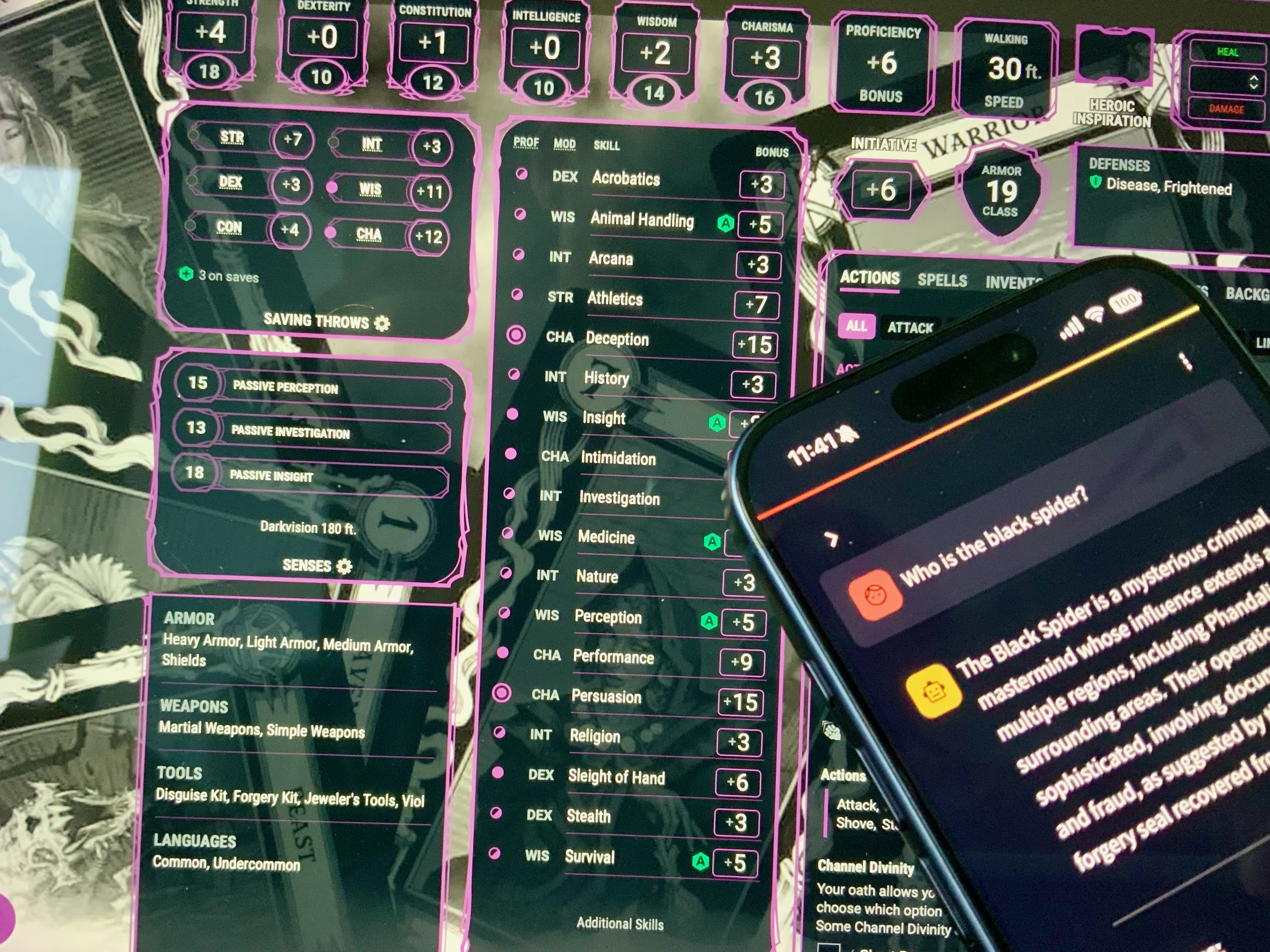
Phone out, URL in the browser, answer back before the DM has finished the description. That’s it.
What’s next
The House of Knowledge is only as good as the notes going into it. Raw session notes need work before they’re actually useful as source material. The next post covers a Claude skill that takes a session note and adds structured summaries, open threads, NPC logs and arc tags automatically. One AI tidying up the data that feeds another.